Mapillary 6.11 (2025.12.15-6.11.23) has just been sent to Google Play, and your device will start receiving updates soon (if you’re part of the Open Testing group).
Finally, someone saw the light and added photo importing!!!
Years of waiting… I quickly checked it on one smartphone and 1 photo or a dozen or so imported without any problems, but when I tried to import almost 5,000, the app crashed immediately without any messages.
Of course, I checked it on a fairly weak smartphone with 2GB of RAM and without logging in as a guest.
I checked on another smartphone, but with fewer photos (1649), and for over a minute, Import in progress was 0 of 1649, but it started quite slowly. It’s going quite slowly.
Does it really have to copy the photos and create a separate folder in the smartphone’s memory for each individual photo?
Hi @czheckoczhecko! Yeah, the crash is not a good thing to encounter, sorry for that. I will take a look at it first thing tomorrow, and the details you shared will help. My initial idea is that it could be an Out-Of-Memory issue in this case. Even though we do not load all images into memory, we still have a metadata table (to group everything into sequences), and I will approximate its size tomorrow to understand whether this is a plausible reason.
Regarding making copies, I agree that copying might cause inconveniences. Referencing images instead of copying them is a logical next step for us, and it is already on the task list.
@czecko I have found the issue, and it crashes on both the newest and oldest phones alike. There is a limit to the number of URIs the OS can handle, and it is somewhere above 2k images (and less than 5k). This causes the behavior you observed between the file picker and the Mapillary app. Since Google likely knows best about the Android OS, I tried importing 5k images to Google Drive on my Android phone and got the same result - black screen. We are looking for workarounds, but at the moment, I suggest keeping imports under 2k files per single selection.
Hi @Lowiekse , thanks for reporting. I will check everything in detail tomorrow, but I did a quick test round and have a few follow-ups:
Debug settings: These should only be available for dev accounts. I quickly checked my test accounts, and exactly one of them has this setting (which was correct, as I have 1 account registered as a dev one). I will review the code for any mistakes, but it hasn’t been touched in years, and this isn’t the first time you’ve seen it in the settings also If I don’t find anything, I will exclude it from public builds entirely.
About sequences with only one image: Could you provide more details here, please? Are these uploaded captures, sequences of imported images from other apps, or are you capturing without stopping the app and suddenly some sequences contain only one image? Or maybe other options?
Thank you in advance.
PS Version 27 includes only minor UI updates, with nothing related to functionality. Did you experience similar issues with version 23?
These are images taken directly with the Mapillary app on a Samsung S8. This is one of the three devices I use with Mapillary. With a few breaks here and there, I took the images while driving and walking. For some reason, this resulted in thousands of sequences of 1 photo. Incidentally, I no longer see the developer settings today.
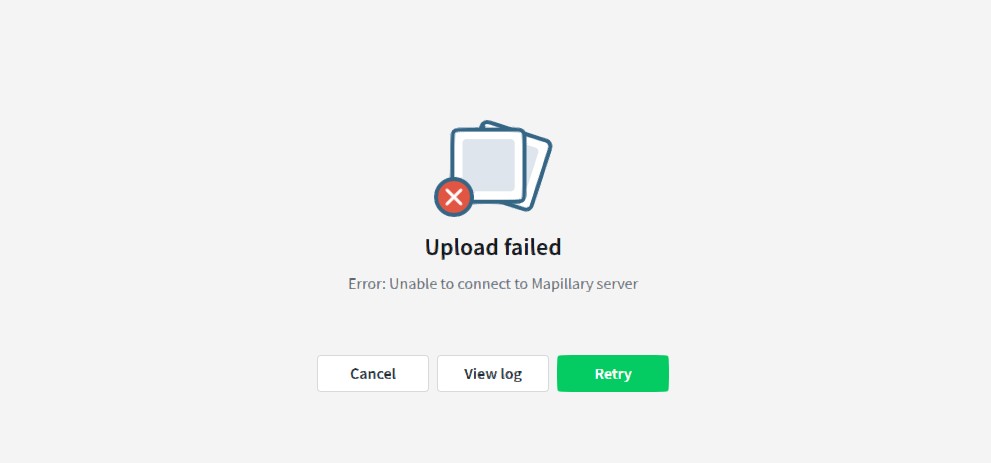
Since yesterday evening, when I try to upload via the Desktop app, I get an error message saying ‘Unable to connect to Mapillary server’.
The first issue was my misunderstanding - thanks for clarifying.
I quickly checked the Desktop Uploader, and uploading worked for me. I’ll ask other team members to test it as well, including under different networks. Could you please check or share the logs? I suspect there might be errors like “can’t reach server” or “unresolved DNS name,” or something similar. Also, please share the app version you’re using.
I’m not very familiar with our Desktop Uploader, so I’m just trying the steps I would usually take.
I see - it looks like your request was throttled due to rate limiting. It’s not clear to me from the log whether this applies to your account or your IP address (I doub’t there’re other limits).
As an easy fix, if you have another account, you could try uploading with that. After that, it should be fine. Alternatively, you coud wait up to 24 hours (it might be much less; I just don’t know the exact limit for this endpoint, but 24 hours seems like a safe bet).
Meanwhile, I’ll cc @tao and @nikola , who might know more about this error and its details.
I created new sequences today. Now that the developer settings are no longer available, they are normal sequences again.
I will try the desktop uploader again tomorrow. My internet does not have any upload restrictions. So I think it really is down to the Mapillary desktop app. I can send you the full log, just not here on an open forum.
Yes, that defeats the entire purpose of uploading more data. One additional workaround I can think of is allowing higher volumes of traffic from your IP, but this only works if you have a static IP. If you’d like to try this option, feel free to DM me. I’ve never tested it myself, but it should be a rock-solid solution
The problem is not that my internet connection is being throttled. When I am being throttled, the Mapillary website and the Mapillary app on my devices indicate that I have no uploads.
I think it’s not really throttling you, but rather blocking your access to a given endpoint based on your IP address. Because number of connections to the endpoint was reached. And that’s why you have this error in Desktop Uploader.
Open Testing. This specific version is stable, and tbh most of our Open Testing builds are not alpha builds (I mean stable). However, the live version is even more stable. Since the current version is stable, I plan to upgrade it to live tomorrow.
GoPro HERO. If you’re capturing video, Mapillary Android won’t be able to import those files - it only imports images with EXIF data. If you have images on the SD card, Mapillary can copy and import them (we’re copying files with the current implementation). If you have video, we don’t import video for upload.



 If I don’t find anything, I will exclude it from public builds entirely.