Mapillary 6.12 was promoted from Open Testing to production! Your device will start receiving updates soon (if you are not a part of the Open Testing group, as in this case you are already using the latest version for a week).
What’s New
New Features
Pinch-to-zoom on the camera screen with smooth lens transitions, capped at 5x
Two-finger map rotation on map screens
Compass button with animations on the explore map
Minor Improvements
Smoother camera level line with reduced jitter
Faster delete/report button response
Coverage filter settings persist between sessions
Sequence break distance aligned to 100m
Homepage performance improvements
Improved image viewer loading
Clearer permission dialog text
Bug Fixes
Fixed camera freeze on rapid manual capture
Fixed compass needle direction on camera screen
Fixed app stuck in landscape after viewing landscape image
Fixed ESRI Privacy link not responding on some devices
Fixed stale image metadata when switching images
Fixed recording icon position in picture-in-picture mode
If you encounter any issues, please let us know - there are quite a few changes in this one, including camera and map improvements.
It’s much too easy to swipe left or right on the queued images or sequences to delete them. When I try to swipe up or down it has to be exactly straight up and down or otherwise it locks and swipes left or right.
I’m having issues with Importing images in the the app (2026.03.16-6.12.76), on my Samsung A53 after the latest set of updates (OneUI 8.0 / Android 16 / security correction level 5th of April 2026).
The app refuses the import images from the default Camera app, with the message (translated) :
Import have been completed, but some pictures were skipped over due to errors:
3 pictures: gps-data missing
BTW, uploading the images through the Desktop uploader (5.0.3) works as expected.
@boris
I see .6x, but previously I think I had set 1x somewhere in settings to be default. Now when I open shooting mode, .6x is always selected and I need manually switch to 1x each time.
I see, thank you for the explanation @ursus - confirming that is a but that we will fix in the next release (we will remember your camera zoom preference) cc: @Yaro
Thank you @brunofilmklov - confirming that I can replicate the problem. We will work on a fix, in the meantime please continue to use the desktop uploader as a temporary workaround, thanks for your patience!
I currently on a hike tour in Turkey and found another issue:
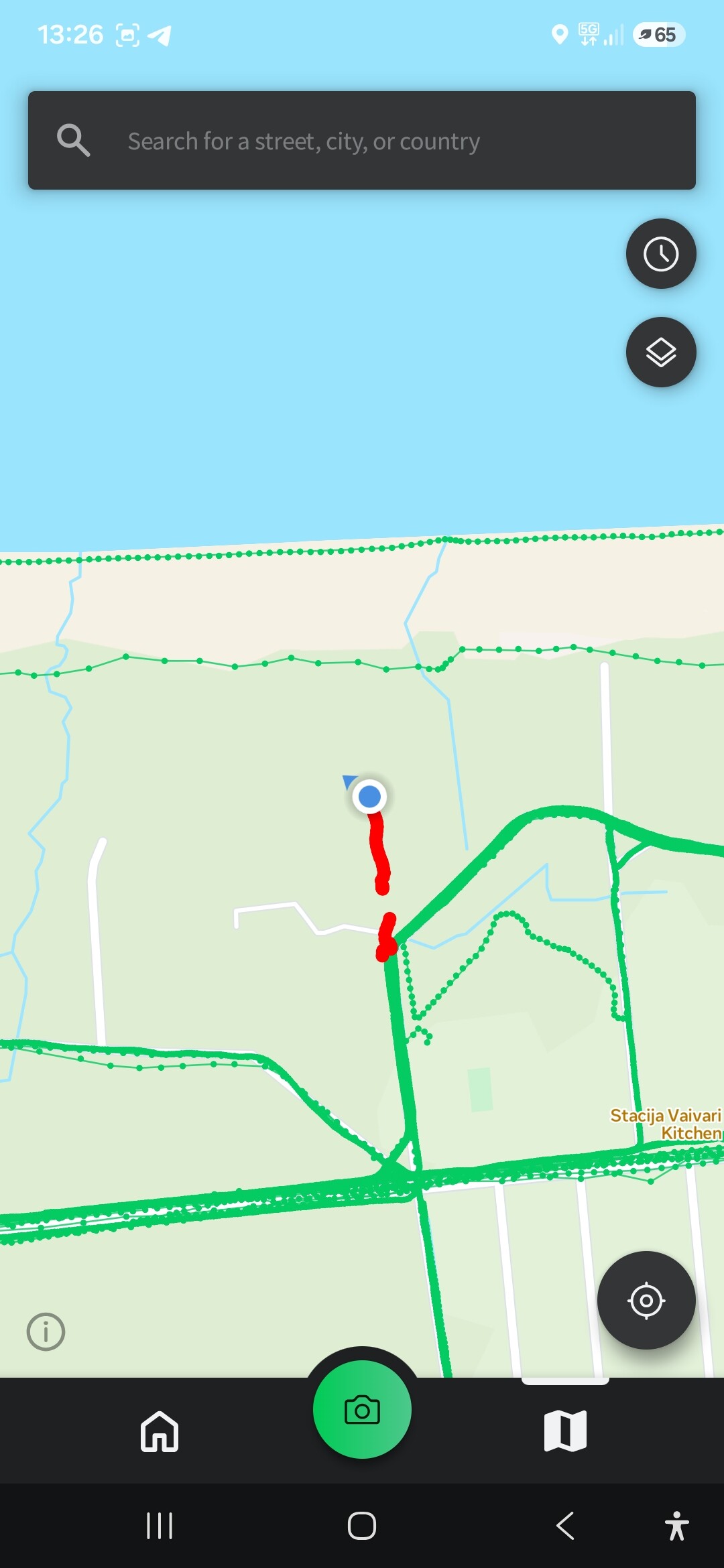
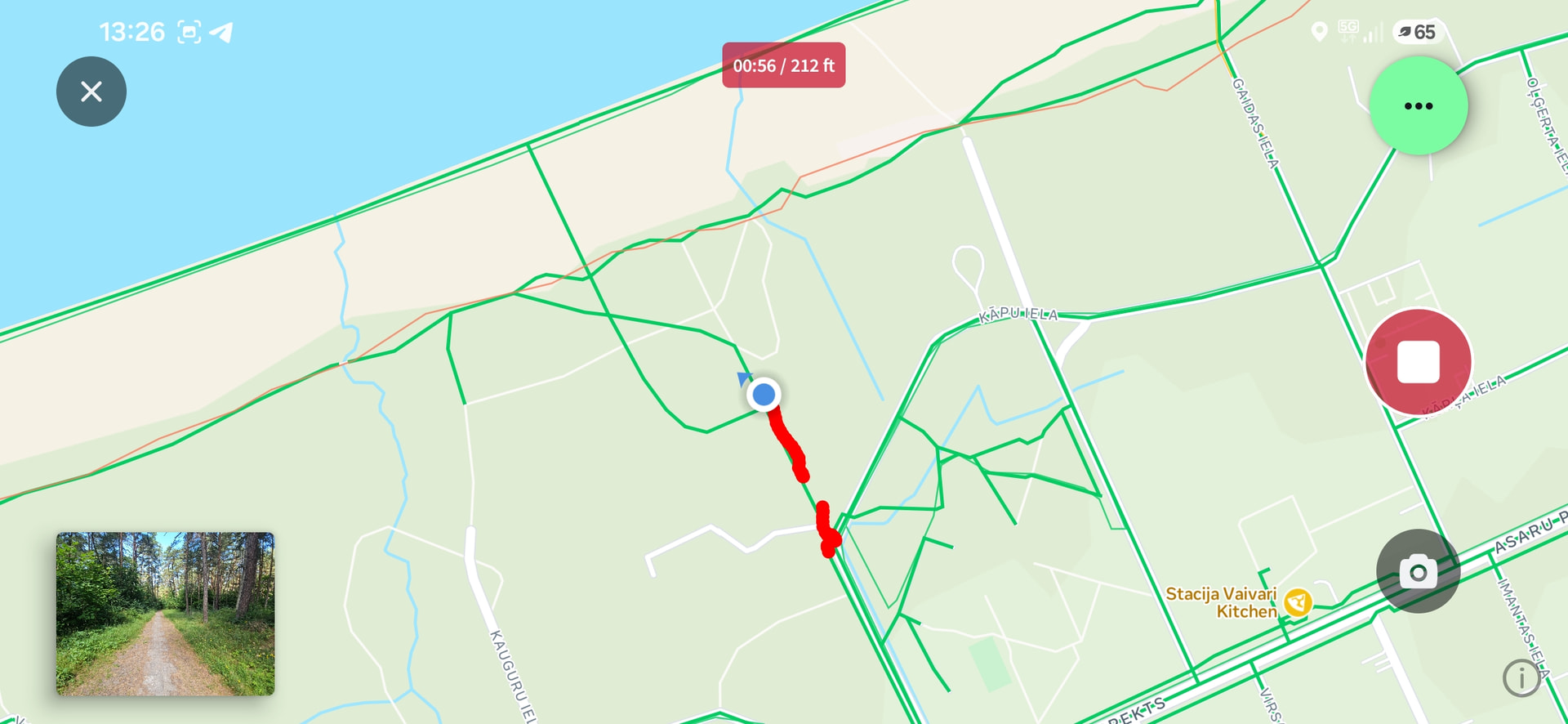
In map view I see real imagery coverage, but in shooting mode coverage is completely different and looks more “perfect” like there are much more images. Here are screenshots from same location:
Thank you for the message (and for the link). Indeed, Google provided security patch to block location access in files through SAF. Thus, those who received this update cannot import images anymore (for newer devices). We are planning to include it in the next release.
It is interesting, as you have a path covered in green, while there are no coverage sequences on Mapillary (relatively near). In general, that should never happen, so this is looking like an interesting case. Thanks for the report.
__
BR, Yaro


 I again noticed that in shooting mode more coverage paths are shown