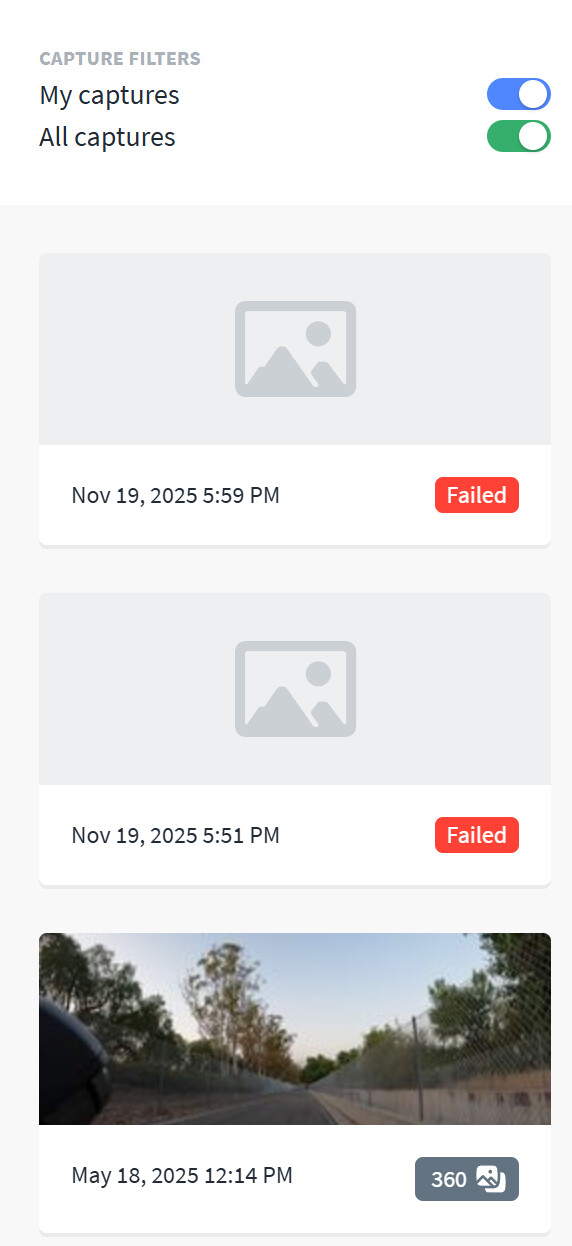
I recently completed my first 360 capture with a GoPro Max 2. Although I imagined it might just be a learning exercise, at the end of the ride and after installing the GoPro software on my desktop, the Mapillary Uploader ran without issue, and it seemed like a success. After processing for a few days, however, the capture concluded with a `Failed` status and provides no indication of the underlying problem. Further investigation reveals that in my inexperience with new camera, I misunderstood the GPS indicators believing the white icon depicted a GPS lock. Thus, it seems my upload was incomplete and lacked the necessary GPS data.
If true, it’s a bit shocking that the Mapillary Uploader didn’t check for this basic requirement before processing. Possibly this missing GPS edge case happens infrequently and isn’t worth the effort of the check, but I’d expect that validating uploads before processing would be a key feature of the client-side tool. If the uploader was open source, I’d probably fiddle with adding such a validation as the user experience of realizing your mistake after patiently waiting and checking repeatedly for days, could be so easily avoided.
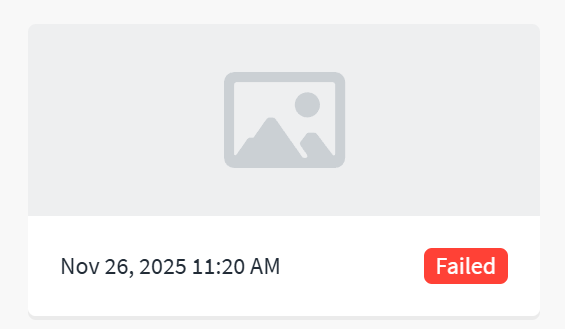
Also, it seems I’m stuck with a `Failed` capture in my history. Any tips for removing such items? Unlike successful captures which allow you to select the remove via Delete entire sequence failed imports just stick around in history and look bad.
Somehow, you haven’t even mentioned any of these reasons anywhere so far, because you might as well write that the sequence got filed because the admin had a bad day today… We are constantly improving to make it as minimal as possible, and a week later it’s the same, especially on the weekend xD when no one is watching over it…
Oh, right, displaying it for two weeks is good… If someone has nothing to do and spends two weeks watching and getting upset that they wasted their time sending it and waiting for it to miraculously change from red to green.
I would be more interested in specific information abaut failed that the sequence has been sent - date and time of sending + date and time of photos (video) taken, number of photos (video), and I would also like to receive this information by email.
By the way, send a sequence, e.g., from a mobile app, and let it get a failed status, and how do you send it a second time if it gets deleted after sending (or maybe it’s different now because I don’t use your mobile apps)? Sure, make copies, but not everyone does that, unless they realize it after it fails. Not everyone has the time to mess around with copies and the space to store that much data.
It should be written somewhere in capital letters - you send photos or videos! Don’t delete them for more than two weeks! Because you will not only lose time but also data.
But this is just a thought that no one at Mapillary is interested in.
Thanks for the response and confirmation of behavior. Being my first real exploration with the Max 2 hardware and realizing that I had failed to wait for the blue GPS lock icon, plus given that the GoPro Player interface lacked all GPS/location information, I believed the capture lacked this info as well. I’ve since performed a handful of test captures with GPS lock enabled and found that the GoPro Player software on Windows just doesn’t any GPS details. Exiftool does show GPS details on the original capture, so you are correct that some other issue caused the failure. The GoPro Player led me astray and caused me to believe the original uploads were invalid due to missing coordinates. I’ll try again and see how a second attempt fares.
While I lack the outward frustration that czecho exhibits, I do share feeling that more could be done to convey the status of the import and processing stage to end users. For days I checked the website to see how things were going, only to get the same simple indicator that it was processing. Then, that pattern concluded with a red error, no details, and no clear path forward. I really think the website, especially a user’s public profile, is a poor place to share import errors like this. An email with addition details, or a private page showing notifications makes far more sense than the public feed for a given user. I only share the sentiment and feedback in case during future product planning, improving the import process might be considered, especially expanding it to share more details with end users as the process unfolds as well as sharing details about failures for troubleshooting and possible resolution of problems.
I’ll report back when the uploads complete, until then I’ll be refreshing the site and waiting
I’m just sharing my take a user and software developer. Users on Mapillary have a publicly visible feed of their efforts. If I was working on this feature, I wouldn’t place feedback meant to be seen by the uploading user in their public feed. It just doesn’t add a lot of value and doesn’t benefit the other users in any way. @GITNE - if you go look at my profile, why would you or anyone else care about a failed upload of mine? It’s that disconnect that I was speaking to and suggesting it makes more sense to deliver the details outside of this mechanism. Just an opinion with little to no experience in this area. Sometimes those early feedback perspectives are helpful in understanding the user experience.
Thanks folks, this is good feedback. Right now we send very few emails and this is a good example of where an email would make sense.
In the short term:
We’ll add a message to the upload page of the desktop uploader. Something like “Tip: Keep your original files until you’ve verified everything looks correct on your Mapillary profile.”
From the mobile apps you can also make a copy of your originals. on Android the images are stored in a device folder (which you can see in Google Photos, backup to the cloud or to your local device before uploading). On iOS you can press the export button for images.
Failure reasons are generally internal to our processing infrastructure, and there’s not anything actionable for users here unfortunately.
In general we recognize that failed uploads are a problem - re-uploading is really a bad workaround, the processing shouldn’t fail in the first place. We’ve done a bunch of work to reduce failure rates, and will continue to track and improve these failure rates.
The processing of the image has finally concluded, unfortunately with the same Failed result and no clear reason as to what might be wrong with my capture. I’ll probably set this one aside and hope for better luck on the next attempt, but I still think a little insight into where it failed might provide hints as to what should be corrected in the future. Nonetheless, I’ll just try again and see if I get different results next time.
@lewin76 - it’s usually not a problem with the capture, but more likely to do with a problem in our processing stack (unless you re-upload and it fails again)
In trying to troubleshoot the issue I installed the command line tools assuming the backend likely uses similar, if not identical, code. As such, I processed the source .360 file from the GoPro to see if errors popped up or anything stood out. No errors but the exported frames aren’t equirectangular like I assumed they’d be. Is this an issue or is this projection style expected from the video_process output?
@lewin76 - mapillary_tools doesn’t do 360 video stitching, that happens on the server side. We are about to release support for GoPro MAX 2 any day, so it should start working for new uploads very soon, cc: @Yaro
Ah, I thought I had read that only timelapse video was supported with the Max2 and since other OSM grant recipients were uploading without issue, believed it should be working. It sounds like being a later recipient means I’ll need to follow a different workflow until Max2 support is added. Still wish an error might have clued me into the issue but really appreciate all the assistance it took to finally track down the problem.
Hi @lewin76 , we have updated our stitching algorithm (on the backend, not mapillary tools) to support the GoPro Max 2. Please find more details here. At the moment, we have only a handful of uploads that we used for testing purposes, so don’t hesitate to ping me if you have any issues.
@lewin76 - it may also be worth testing a timelapse video and a regular video separately. We’d appreciate if you’re able to give that a shot and let us know!
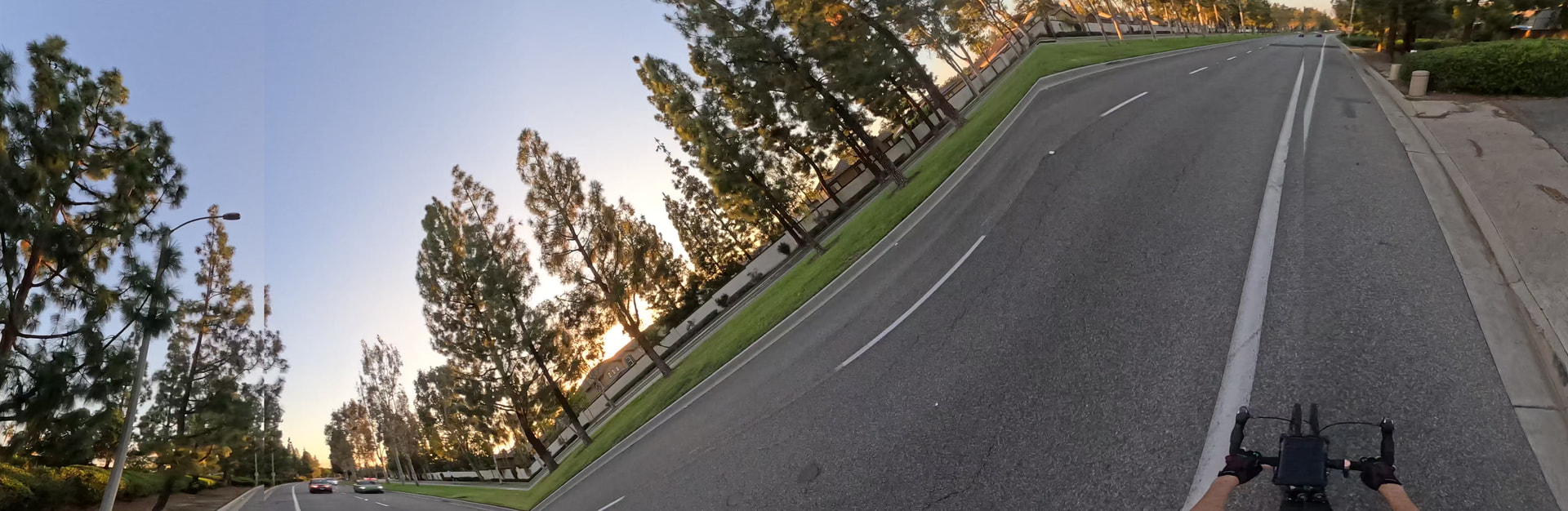
Great to hear. I already had a reupload attempt processing, given your previous feedback. It seems that completed without error, which is great to see. However, I don’t know where along the processing it was when the backend changed, and the projection and heading detection for this sequence doesn’t look right (as depicted by the thumbnail below and panning in the 360 Mapillary view).
For reference, I’ll requeue this capture and see if the same results occur given the new update. I’ll also shoot a few short video sequences with timelapse toggled on and off, and possibly one with a just single lens enabled, so there’s a few more ingestion samples to review.
I collected and uploaded a fresh set of short captures, which processed without issue and look good on the site. The settings were revised on each capture, timelapse with orientation locked, one without, one straight 360 video, and one single lens. All successful and seemingly working.
Hi @boris
I also now have failed sequences, based on your suggestion, how can I actually check which one of my uploads had failed? Currently there is only reference to upload date/time, but I have uploaded multiple sequences from different dates.