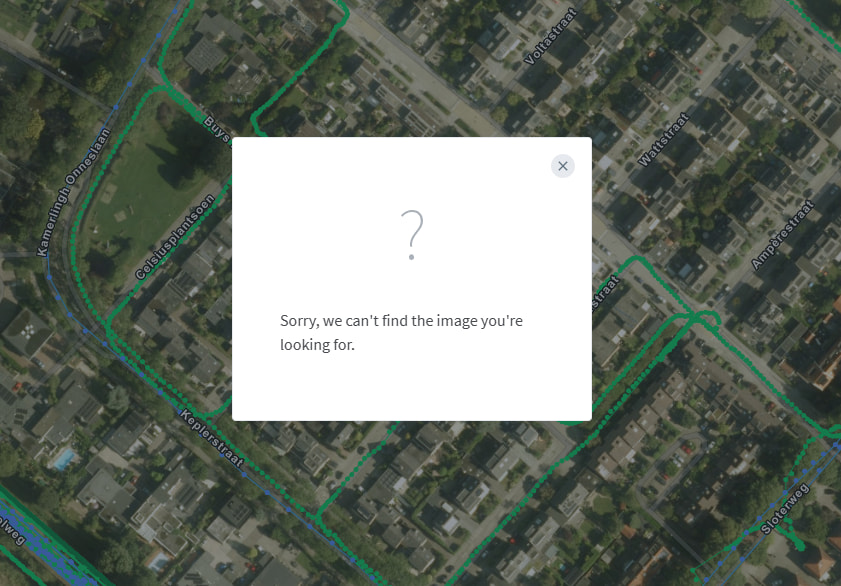
No matter which sequence I try to watch, I get this error message every time. The photo appears when I hover over the dots. But as soon as I try to open it, an error message appears
1 Like
Yes, we are aware of this issue and working on a fix now. cc: @Anders
2 Likes
Wow, what a quick reply @boris 

2 Likes
Should be working now again!
3 Likes
Hooray, it’s working again.
2 Likes
Apologies for the downtime, and thanks for reporting!
2 Likes
No problem. If technology didn’t fail every now and then, we’d all be out of work before long.
2 Likes
It still happens in waterfox 6.6.13 (64 bit) while if I use crome on the same machine everything works fine.
Hi @borgofum - I just tested on waterfox 6.6.13 (aarch64) on MacOS, everything seems to work fine. Are you still having an issue? Could you do a force reload or clear your cache to confirm?
Thanks @Boris, your guess about the browser settings helped me find the problem. I had set “Enhanced Tracking Protection” to “Strict”. Changing it to “Standard” solved the problem.
The setting had been in place for a long time, but I only noticed the issue recently, so I guess something changed on your side in the meantime.
Anyway, the new setting fixed the issue for me, so that’s fine.
I also noticed that the red “Delete Entire Sequence” button did not appear in the image details when Waterfox setup was set to “Strict”.
1 Like
Cool, glad you were able to pin this down!