Does anybody know how to batch remove the recurring dot in the middle of the picture ?
Just guessing: could it be that the camera has been pointing at an intense source of energy, like a laser-pointer? In that case you’d be looking at ‘dead-pixels’ on the sensor, which sounds like a professional repair?
How would you differentiate between dead pixels and a blemish on the screen protector or the lens?
No it was just a dirty spot on the window, or is it a windscreen ?
With ImageMagick you can apply the blur effect in any given area of a series of images.
For example, if you download the first image of your sequence from Mapillary and run the command:
convert input.jpg -region 100x100+900+750 -blur 0x100 output.jpg
you get the following image:
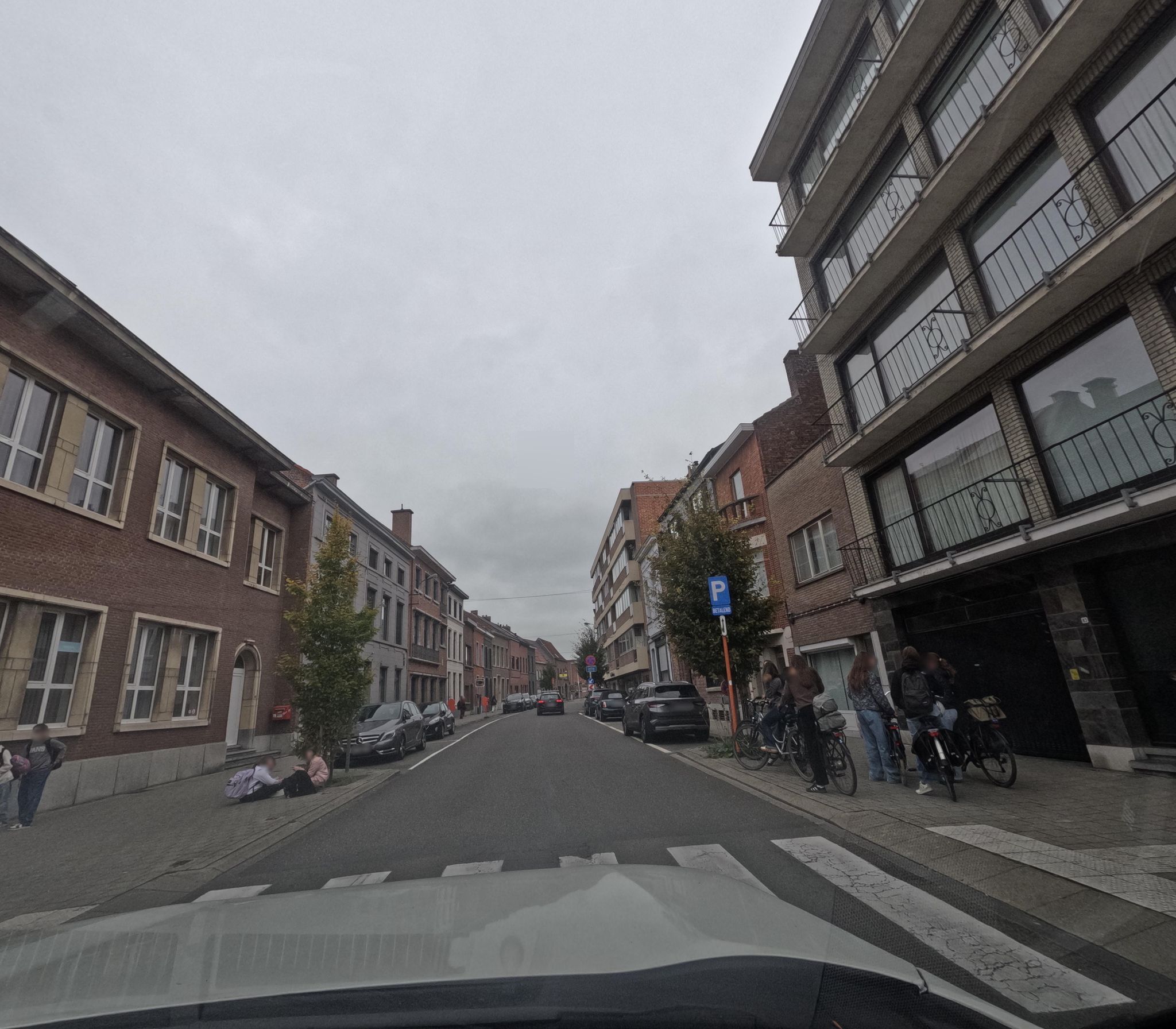
the problem is that you have to find the exact position of the spot (your original files will have a different resolution) and the trick doesn’t work very well when the dot isn’t located on an uniform background such as the sky.
1 Like