Hey, I just released a new version of the app. Please try out the new features and if the compass angle seems correct!
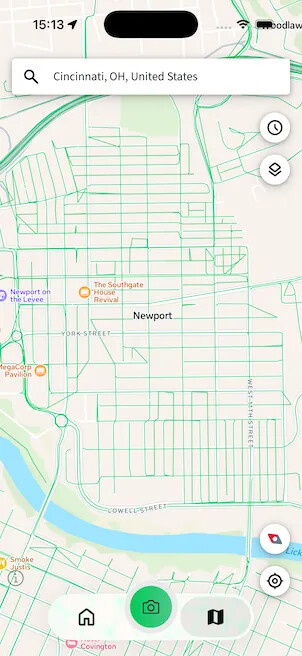
Map rotation

Blocking an area without an address
Full release notes
- Enabled 2-finger map rotation on most maps (tap on the compass to reset the map orientation)
- You can now add a blocked area without an address (just pan the map to the area you want to block)
- If the Camera map is in fullscreen mode, the screen is no longer dimmed automatically
- The zoom setting in Camera is now retained
- The Explore map position is now preserved when navigating back from image detail
- Changed the font from ‘Source Sans pro’ to ‘Source Sans 3’
- When location permission is denied, the mao now zooms out to world map
- Unified signup and login error messages
- Misc other smaller UI fixes
- Fixed the bug where the captured image direction would sometimes be incorrect
- Uploaded images now show the computed compass angle (CCA) instead of the original raw compass angle
- Fixed the bug where the camera preview would flicker with black screen while zooming in and out
- Fixed the bug where the launch screen green background didn’t extend to top/bottom edges
- Fixed the alignment of the ‘i’ button on Capture map
- Fixed the bug where the keyboard would overlap the validation message when internet connection was OFF
- Fixed the bug where the import icon would flicker while scrolling up
- Fixed the location button showing filled icon after searching for a place
- Fixed the jerky map when following user location in Explore
- Fixed tab bar icon visibility on iOS 26 liquid glass
- Fixed a few crashes that could occur in some edge cases on Homepage and Capture detail

